
Screenshotter App
The Tools
- Figma
- Claude Code
- Webflow
The Problem
My company helps publicly traded companies through their most transformative moments — mergers, activist campaigns, bankruptcies. Every website we build gets filed with the SEC, which means documenting every page, modal, and FAQ accordion with screenshots. A typical site has 5+ pages, carousels, expandable content — easily 30 minutes of tedious manual work. And when we update content or push edits, we do it all over again.
The process looked like this: disable animations in Webflow, open the site, expand every FAQ, full-page screenshot, separate captures for carousels and modals, next page, repeat. Boring.
The Approach
I've been using Claude Code to build anything I can think of, mostly web apps. For this I started with discovery — figuring out whether a desktop app could crawl pages, detect interactive elements, and capture everything automatically. Security was top of mind: I wanted something that runs locally on my Mac, saves nothing to the cloud, and only touches sites my team and I built. I also skipped the Claude API intentionally — I wanted consistent, repeatable results without paying for tokens.
Once I had confidence it could work, I had Claude Code spin up a terminal-based prototype.
The Prototype
It worked. The script crawled pages, disabled animations, opened FAQ accordions, and captured modals — even when there were 19 of them. Thirty minutes of manual screenshots reduced to pasting a URL in my terminal.
From there, Claude and I went through many rounds of revisions, brainstorming, and bug fixes. Once the results were consistent, I designed a menu bar app in Figma and pasted a screenshot into Claude Code to build the UI. More testing, more polish, and we had an MVP.

Mockup of the Screenshotter App
Refinements
Using the app daily made the next moves obvious. The UI was too cluttered — the dashed border and oversized icon had to go. Since the system relies on custom attributes added to each Webflow site, and I was planning to share this with my team, I added a setup tab with clear instructions and quick-copy functionality for the attributes. And of course I softened the top bump radius. Obviously.
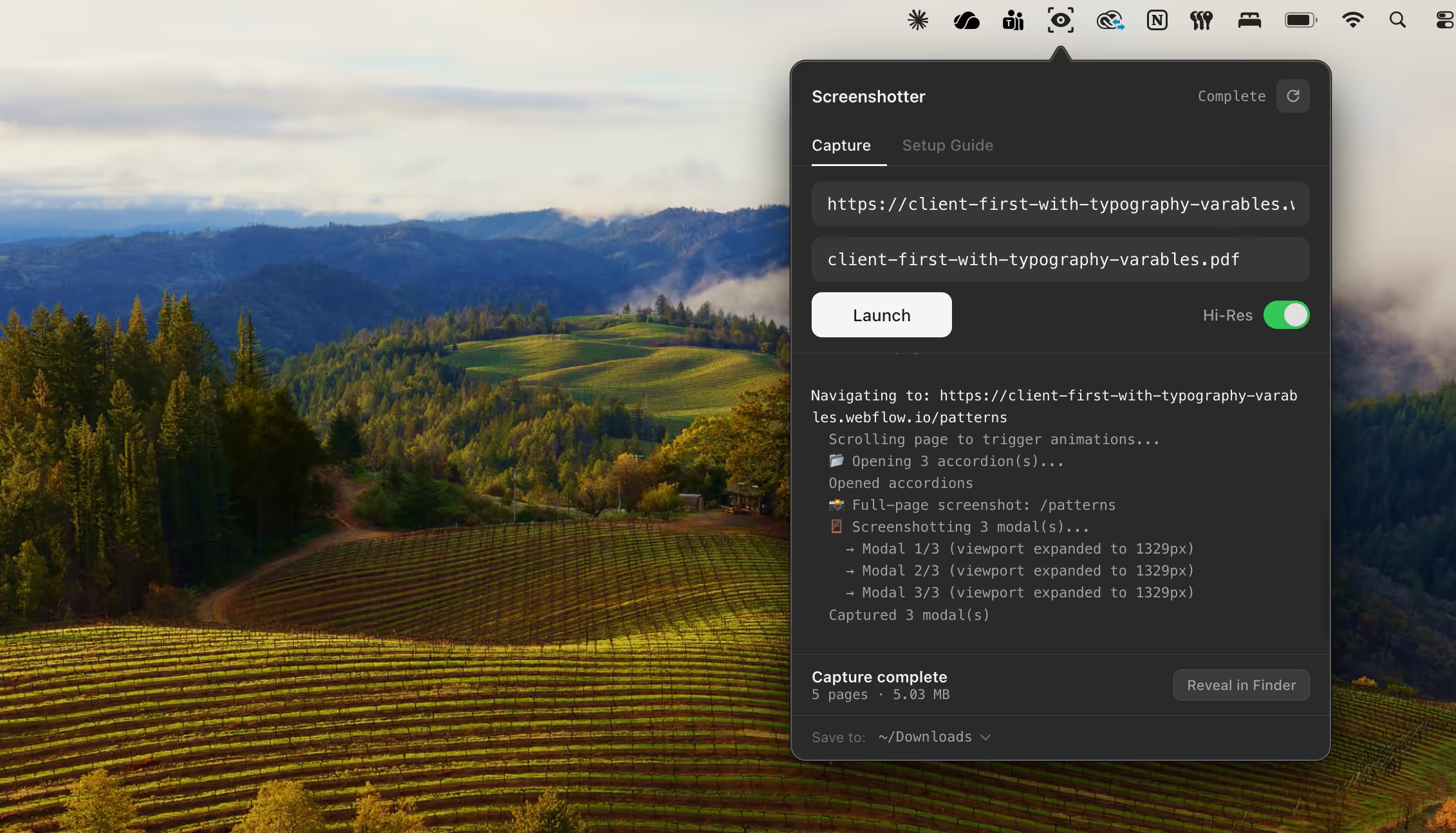
Completed test with a terminal type readout in dark mode